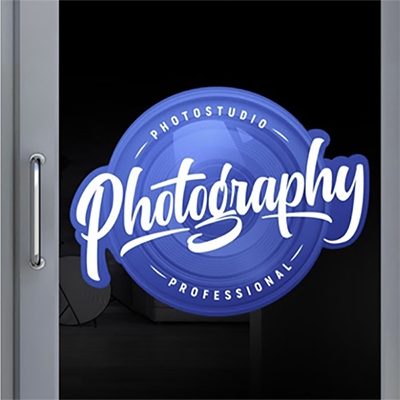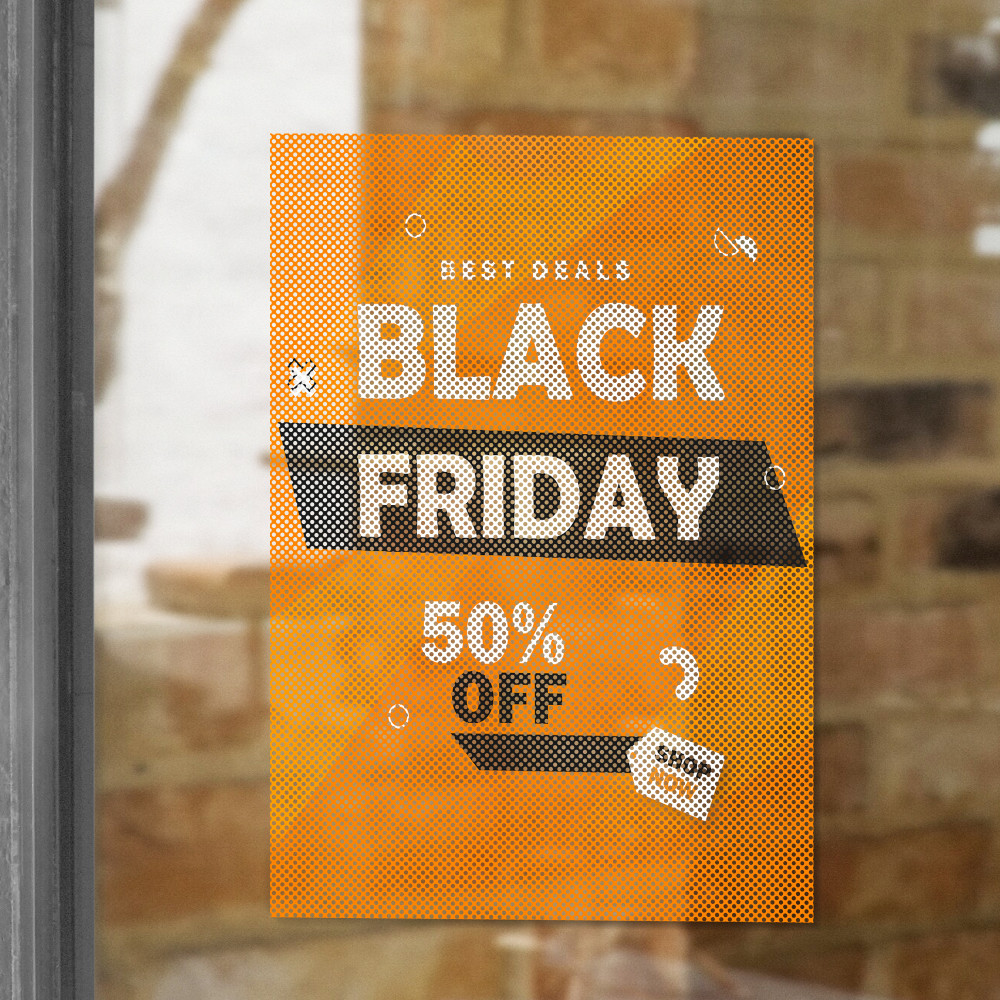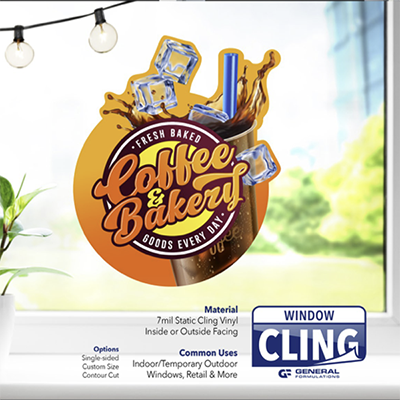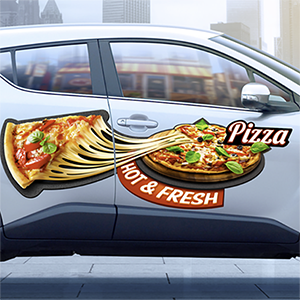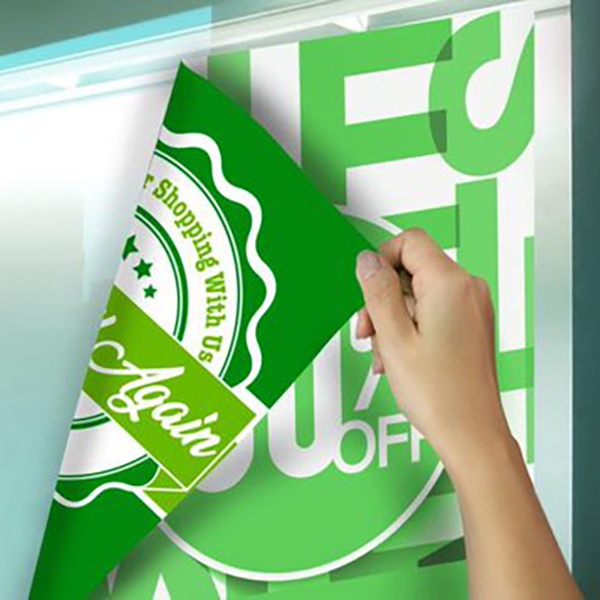
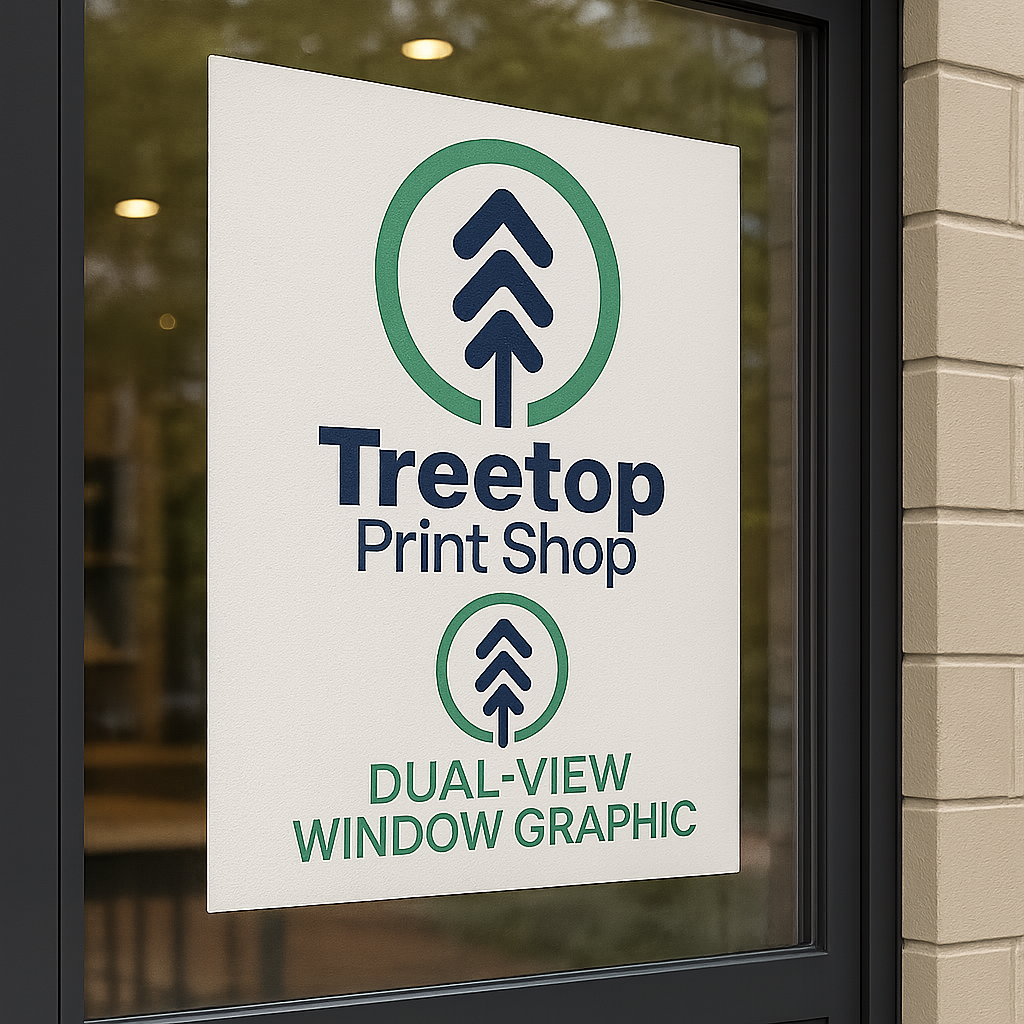
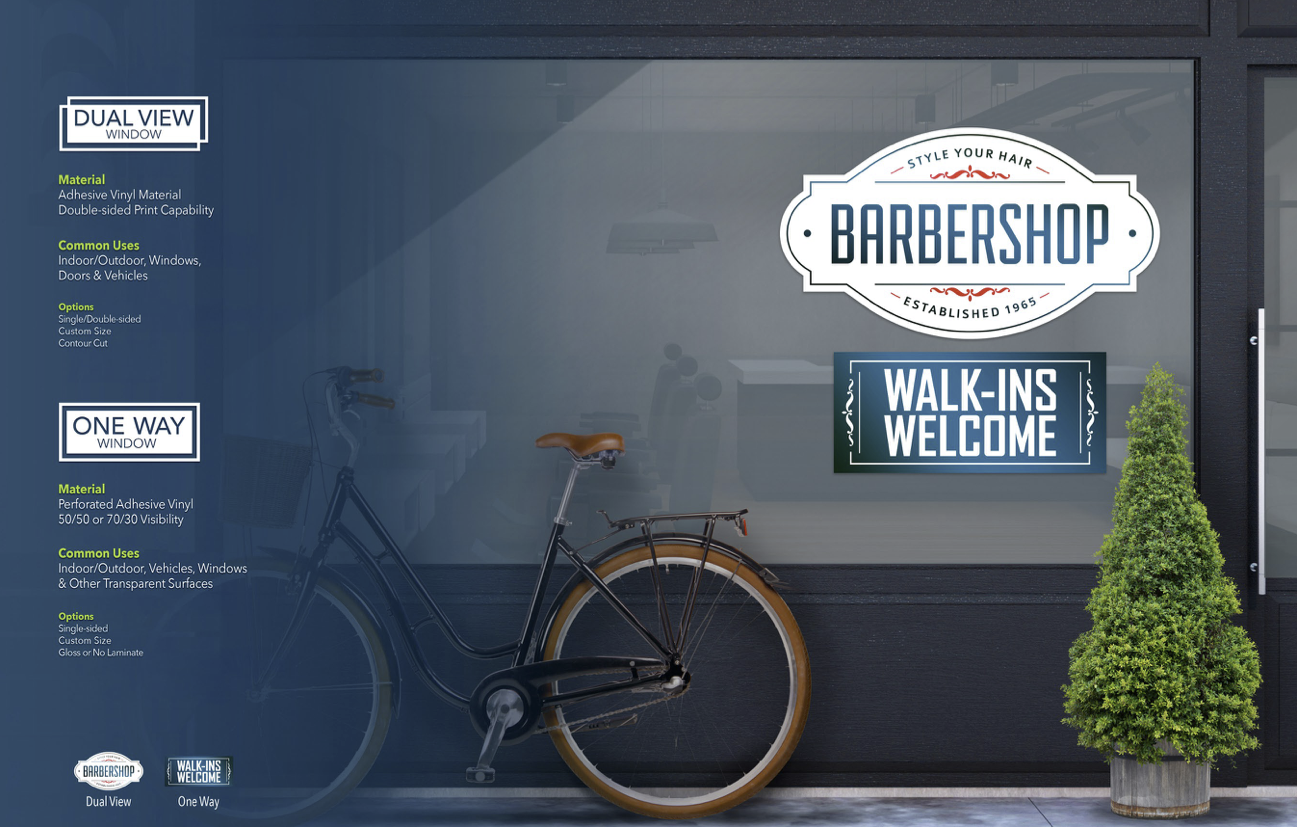
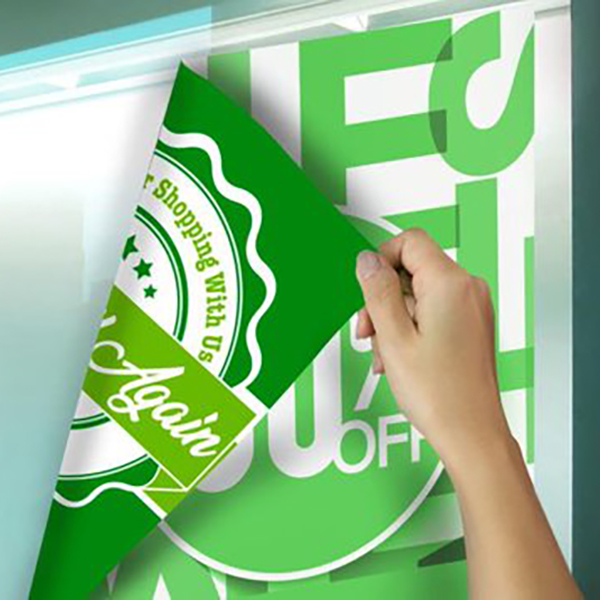

DualView Window Graphics are designed to showcase your message on both sides of glass, making them ideal for storefront windows, doors, vehicles, and glass partitions where visibility from inside and outside matters. Printed with a double‑sided capability, these graphics allow you to display the same message—or different messages—on each side of the window.
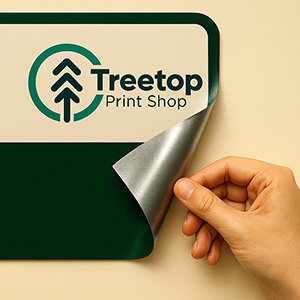
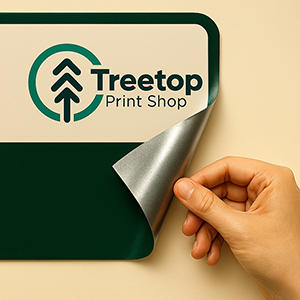
Made from a durable adhesive vinyl material, DualView graphics install smoothly on clean, flat surfaces and are built to perform in indoor and outdoor environments. The material offers strong visual impact while withstanding exposure to weather and everyday wear, making it a reliable solution for promotions, branding, and informational signage.
For added flexibility, DualView Window Graphics can be produced in custom sizes and contour cut to match logos, lettering, or unique shapes—perfect for eye‑catching window designs and branded displays.
Common uses include:
- Storefront windows & doors
- Retail promotions & sales signage
- Office & lobby glass
- Short‑term vehicle window graphics
- Event, pop‑up, and promotional displays
If you need window graphics that work harder by communicating on both sides of the glass, DualView is the smart solution.
Dualview Wndow (Adhesive Products)
Start Customizing with Any Option
Material Type:
| Material & OptionsFinish & Performance:
|
Design Guidelines
To start, select the product size, preview the design guidelines, download the guidelines for reference, and proceed with the customization options.